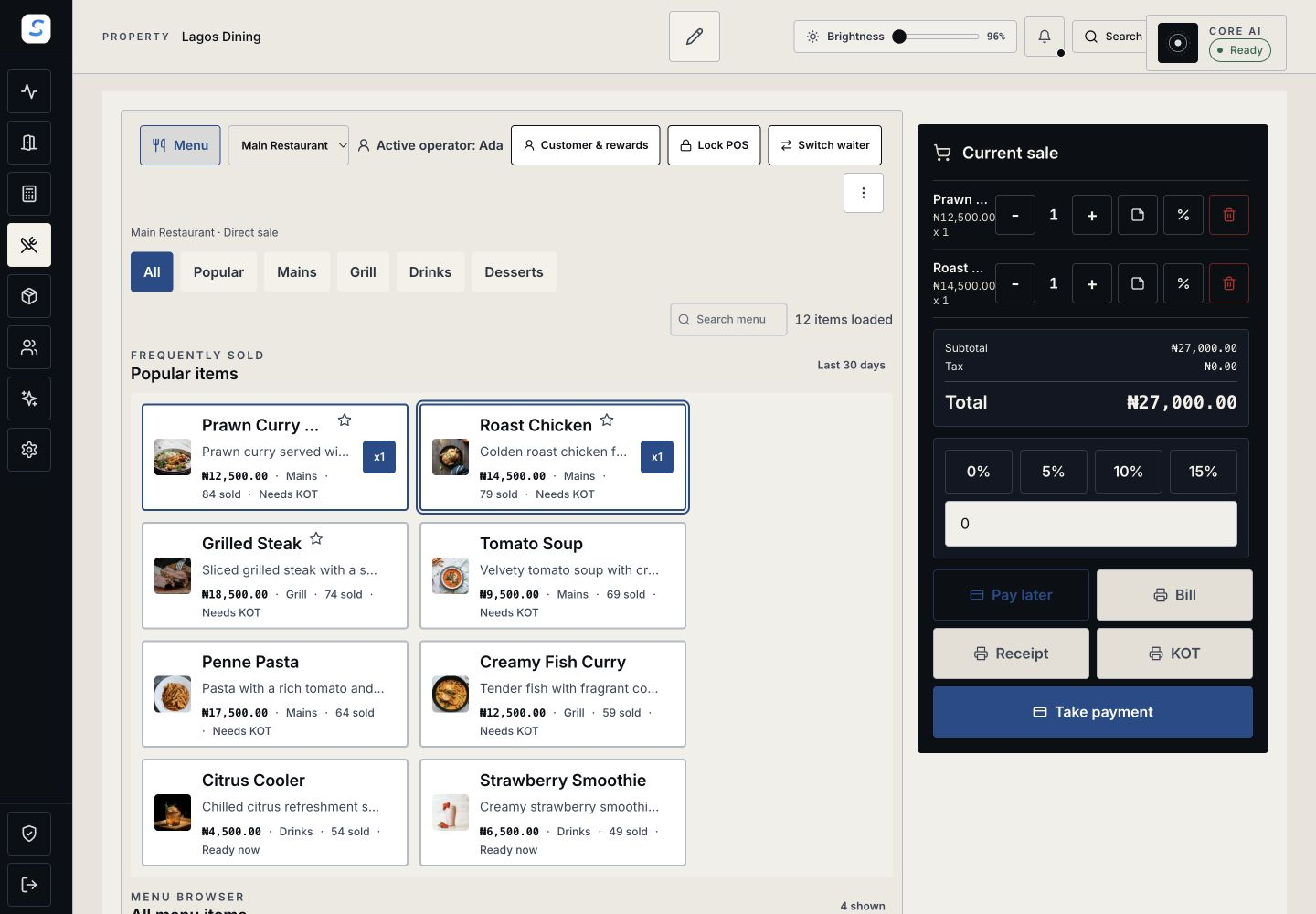
A connected service
Bring counter sales, tabs, table service and kitchen or bar preparation into coordinated workflows.
Restaurants and Bars
Connect restaurant and bar orders, tables, kitchen preparation, stock and payments with Staycore. Give service teams and managers a clearer working day.
Explore help and guidesBuilt around your working day
Bring counter sales, tabs, table service and kitchen or bar preparation into coordinated workflows.
Support staff-led service and guest QR ordering with the menu you have configured.
Connect recipes and stock records with purchasing, payments and business-day close.
Restaurants and Bars / 01
Set up the items you sell, table service and production workflows. Connect recipes and ingredient costing with stock and purchasing records.
How it connects
A connected Staycore workflow
Restaurants and Bars / 02
Take orders at the POS, manage tabs and tables, and hand preparation to the kitchen or bar. Guests can also order through configured QR menus and web ordering.
Restaurants and Bars / 03
Review payments and receipts, follow up on balances and handle permitted refunds. Use outlet finance and business-day close to reconcile the service.
How it connects
A connected Staycore workflow
How it comes together
Keep the context of the sale through preparation, service and payment.
Create a sale, tab or table order.
Hand work to the kitchen or bar.
Complete service and record payment.
Reconcile receipts, exceptions and stock activity.
Yes. Staycore provides staff POS workflows and guest QR menus. Set up your menu, outlet and ordering configuration before opening those channels to guests.
Supported offline service requires a prepared device and the appropriate setup. Check the supported offline workflows in the POS help guides; not every payment or operational action is available without a connection.
Supported room-charge workflows allow eligible restaurant charges to be linked to a stay. The booking, outlet setup, permissions and payment rules determine which actions are available.
Learn your way around
Practical instructions for your team, from setup to the everyday details.
Your next chapter starts here
See how restaurants and bars fits your operation.