Start with the priorities
Review arrivals, departures and work that needs attention before deciding where your team should focus.
Live operations
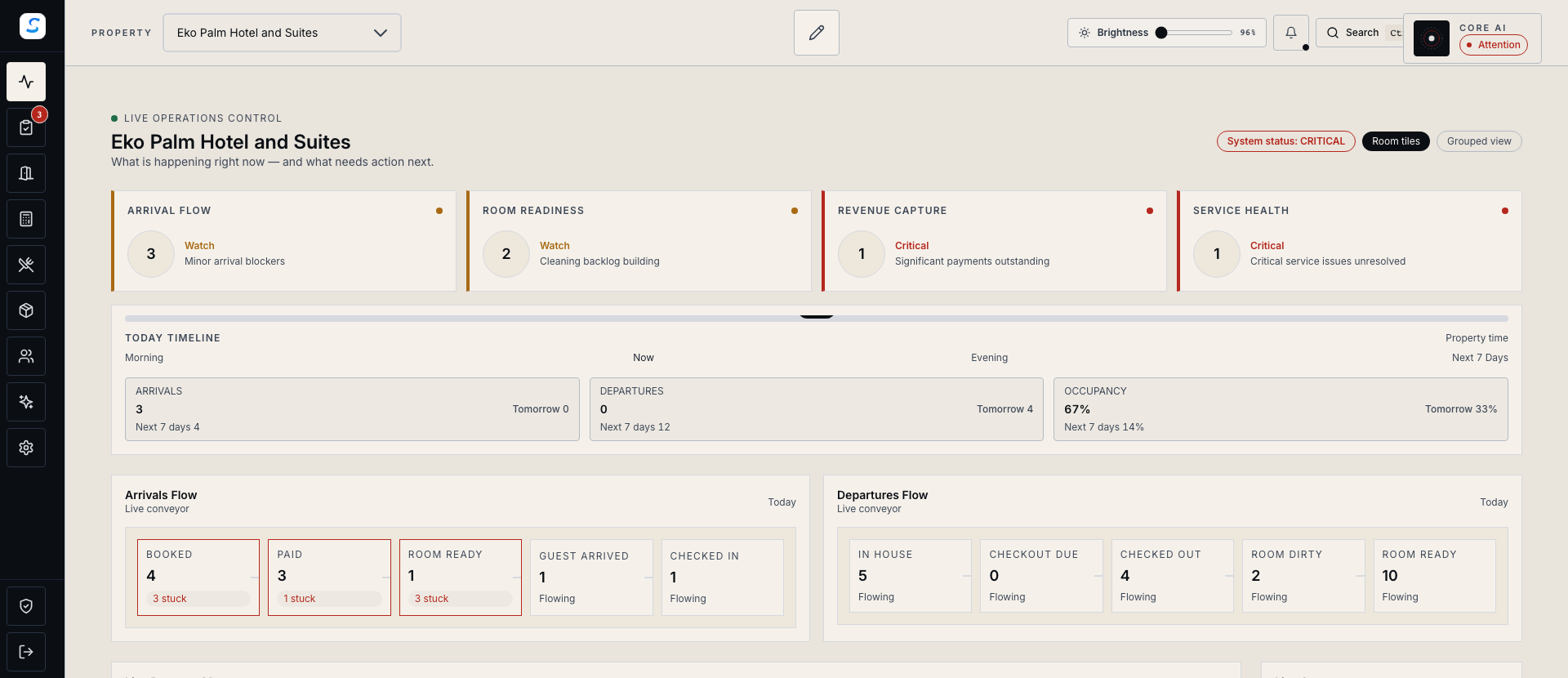
Bring arrivals, room readiness, payments and priority work into view. Follow the detail behind each signal and help your team take the next step.
Explore help and guidesBuilt around your working day
Review arrivals, departures and work that needs attention before deciding where your team should focus.
Read payment, housekeeping, maintenance and access evidence together when a room needs attention.
Open the relevant booking, room or task to act, then check the refreshed outcome.
Live operations / 01
Operations Overview brings the working day into focus. Choose your property and period, review guest movements, and open the underlying arrivals, departures or room board.
Live operations / 02
Hotel Live lets you move from a room tile or health indicator to its supporting evidence. See whether the next step belongs to reception, housekeeping or maintenance.
How it connects
A connected Staycore workflow
Live operations / 03
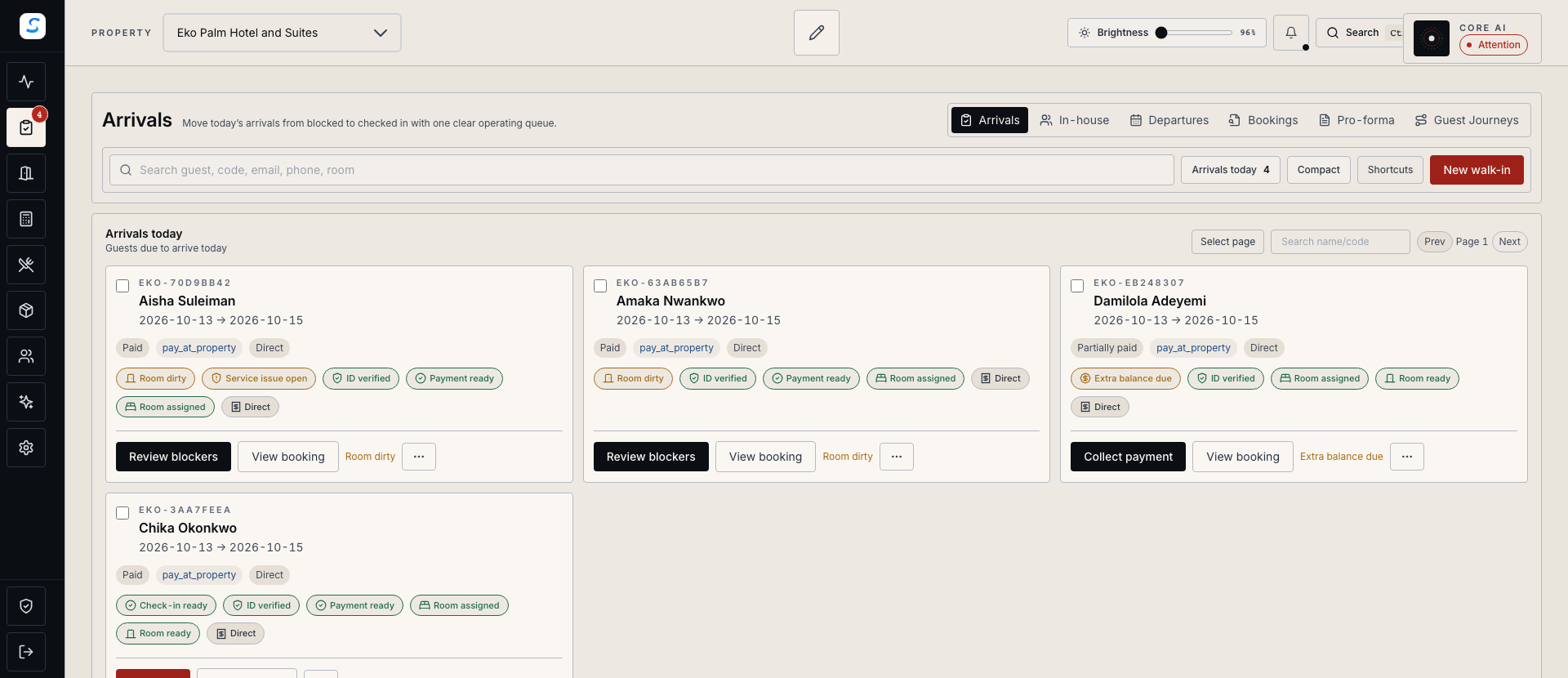
A guest arrival brings several teams together. Follow payment, identity and room-readiness information, then move into the arrival record to resolve the outstanding requirement.
How it comes together
Give each shift a shared starting point and a clear route into the details.
Select the property and reporting period, then refresh the operations overview.
Review guest movements and work that needs attention across the property.
Inspect the relevant room, booking or task and use the actions available to your role.
Review the saved result and refresh the overview before handing over to the next team.
Hotel Live offers permitted actions such as requesting cleaning, marking a room clean and reporting maintenance. Other actions open the relevant workspace so your team can complete and verify the full workflow.
Room cleanliness and occupancy are separate. Review the booking, room assignment, maintenance and other readiness information before offering a room to an arriving guest.
The operations view follows the property, dates and filters you select. Check those settings and refresh after changes. Saved reception data identifies its calculation time and needs synchronization to receive changes from other devices.
Learn your way around
Practical instructions for your team, from setup to the everyday details.
Your next chapter starts here
See how live operations fits your operation.