Prepare before arrival
Send an online check-in link and review the information the guest submits against the reservation.
Check-in & identity
Bring guest details, identity review, payment readiness and room assignment into the arrival workflow. Prepare before the guest arrives and follow the remaining checks through to a completed stay check-in.
Explore help and guidesBuilt around your working day
Send an online check-in link and review the information the guest submits against the reservation.
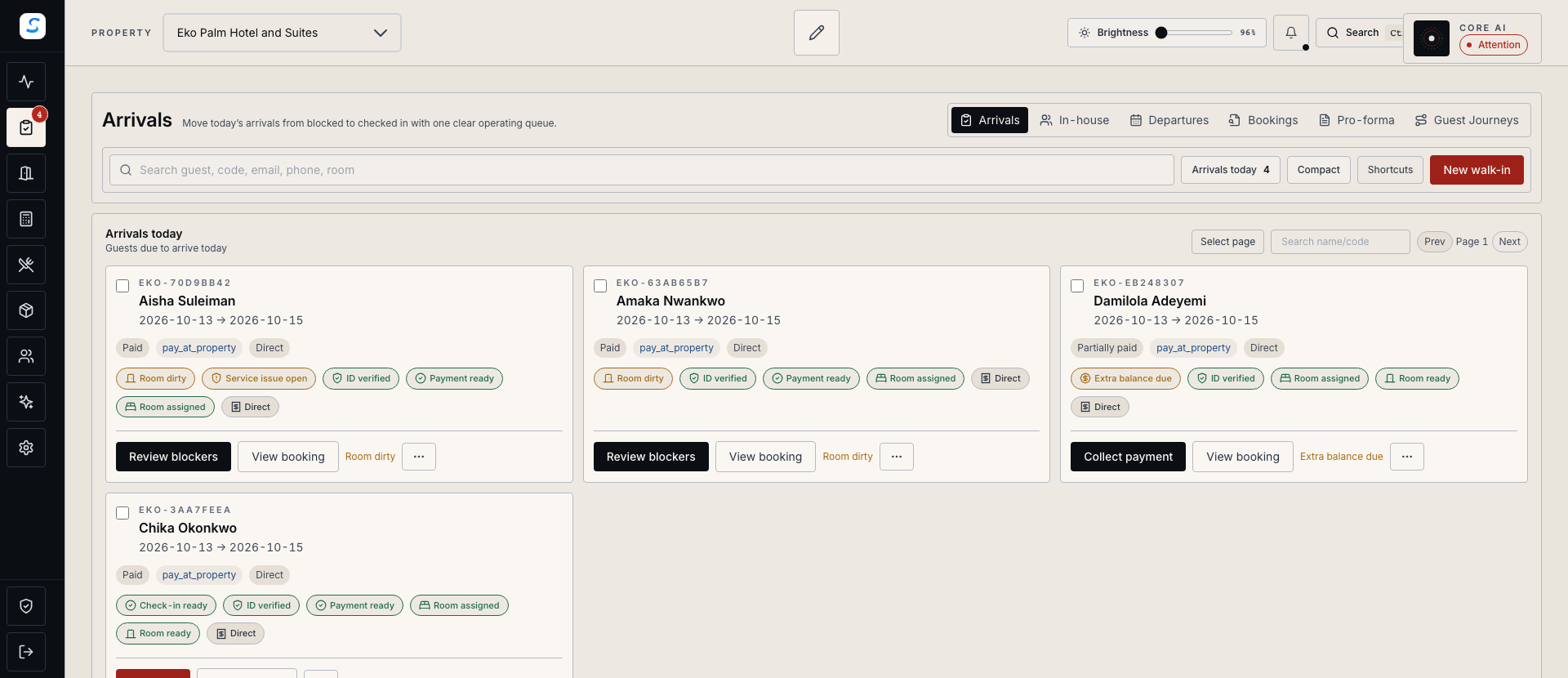
Keep payment readiness, room assignment and required identity details in the arrival review.
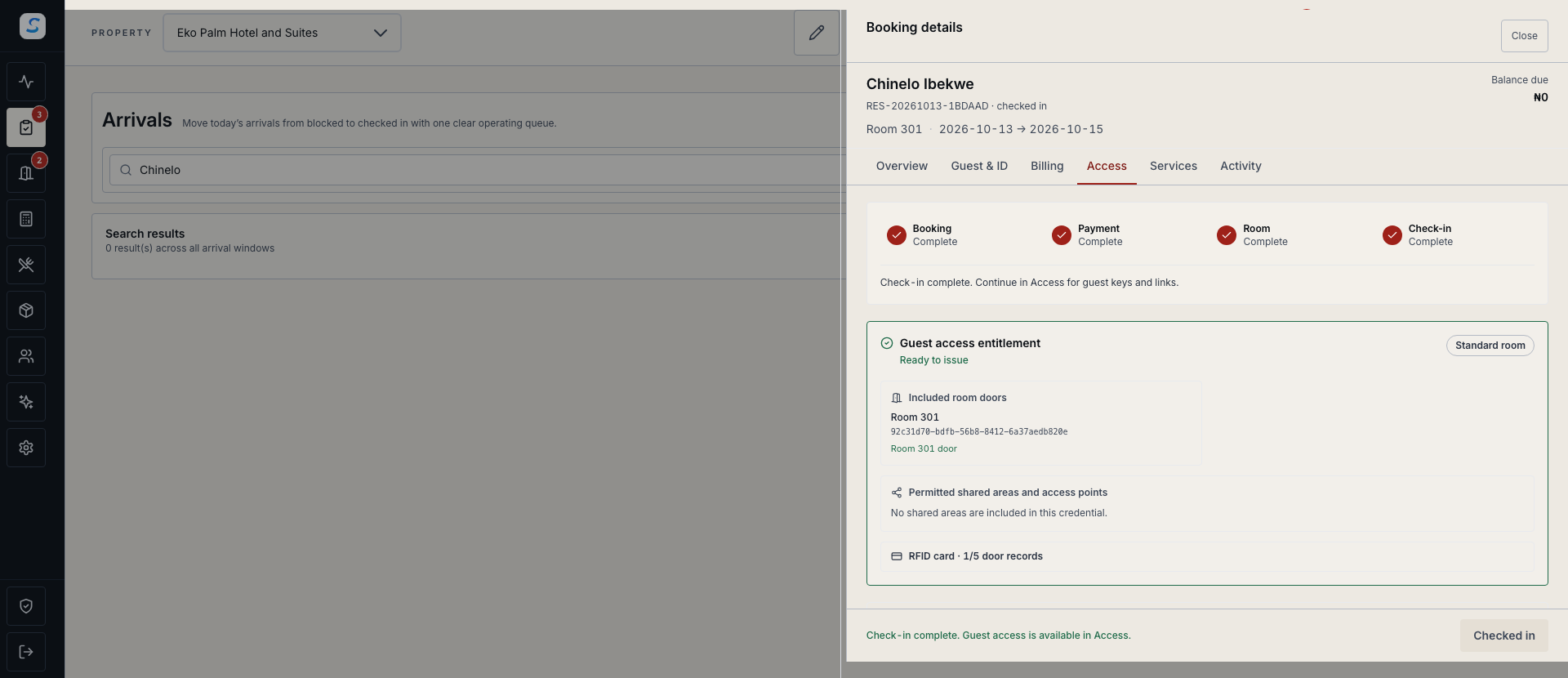
Follow the check-in action through to its completed status before continuing to guest access.
Check-in & identity / 01
Email the reservation’s remote check-in link and review the submitted identity image and details. Approve a valid submission or return it with a reason so the guest can correct the information.
How it connects
A connected Staycore workflow
Check-in & identity / 02
Review arrival progress and continue to the requirement that needs attention. Confirm payment or an approved billing arrangement, select an available room of the booked type and review the required identity details.
Check-in & identity / 03
Use an existing matching verified ID or capture the required image, then complete check-in. The stay moves to in-house after success, with the appropriate access workflow available when the property supports it.
How it comes together
Keep each requirement clear for the guest and reception team.
Check contact details and send the online check-in link when appropriate.
Inspect the submitted information, payment or billing arrangement and room availability.
Assign the room, review the required identity evidence and confirm the arrival action.
Verify the in-house status and use the configured guest-access or key-card workflow.
No. Approval records the staff review of the submitted information. Payment readiness, room assignment and the property’s remaining check-in requirements still apply. The arrival is completed through the check-in action.
On a reception computer prepared while online, permitted check-in actions use saved records and store the stay and identity evidence locally. Check the local completion result and synchronize after reconnecting. Guest links and mobile keys require connectivity and successful synchronization.
An authorised staff member can review the supplied image or upload a supported identity image through the reservation workflow. Camera capture is available where the browser supports it. Uploading the ID records the staff verification; it does not by itself complete check-in.
Learn your way around
Practical instructions for your team, from setup to the everyday details.
Your next chapter starts here
See how check-in & identity fits your operation.