Start with the right stay
Review the guest, room, dates and payment eligibility together before preparing access.
RFID & key cards
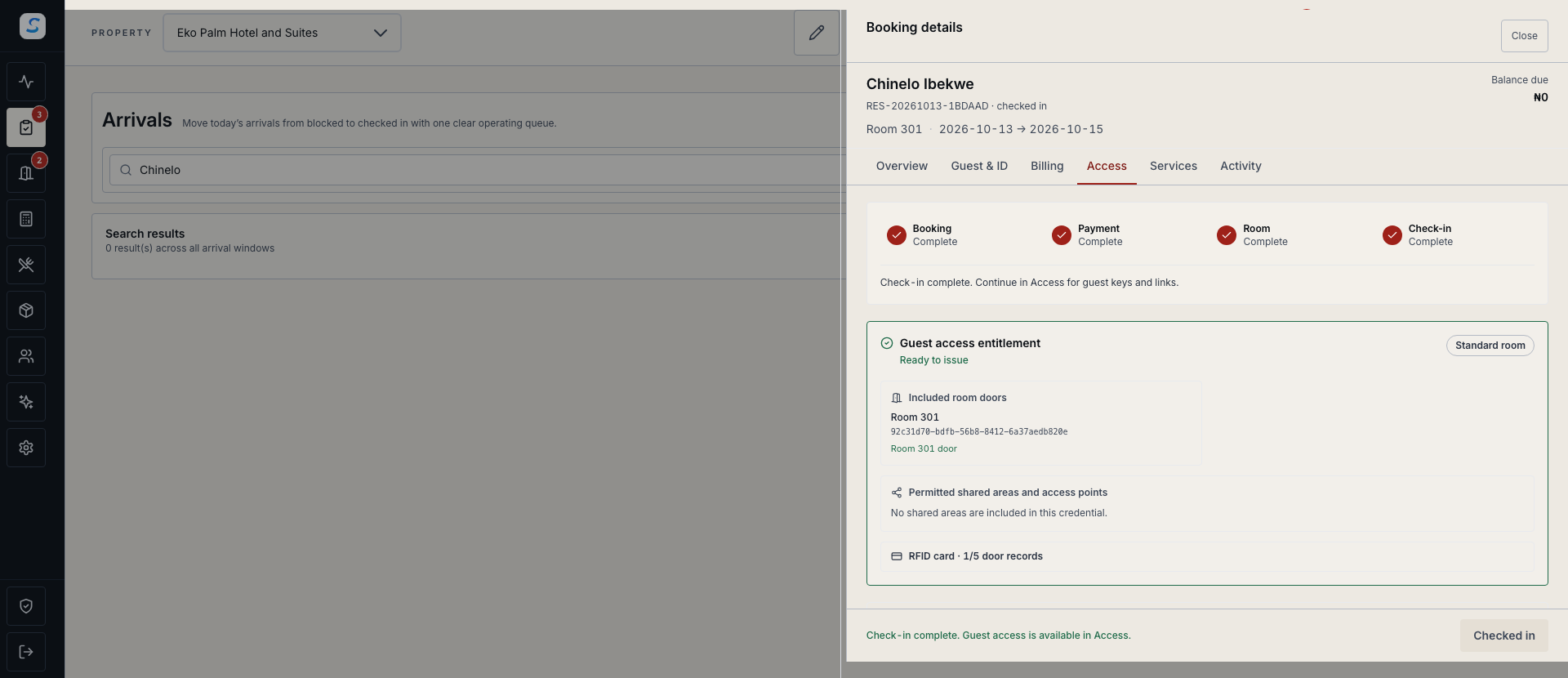
Connect guest key cards to the reservation, assigned room and authorised stay dates. Give reception a clear path from access checks to a verified card with the configured lock system.
Explore help and guidesBuilt around your working day
Review the guest, room, dates and payment eligibility together before preparing access.
Check the authorised doors and validity in the provider-specific workflow before writing the card.
Follow recorded encoding, recovery and replacement outcomes instead of relying on a saved draft.
RFID & key cards / 01
Reception can open the guest’s Access panel from the stay, review the required conditions and prepare the appropriate key. Reservation and access conditions are checked again during encoding.
RFID & key cards / 02
Staycore provides distinct workflows for TTLock, ProUSB, DigiLock, Orbita and PULMOS. The installed lock family, card type, room mappings and encoder setup determine which actions are available.
How it connects
A connected Staycore workflow
RFID & key cards / 03
Keep the card and recorded operation together when a write needs recovery. Review verification before handover, and follow the installed system’s required door actions when replacing or cancelling access.
How it connects
A connected Staycore workflow
How it comes together
Keep reception checks, card writing and the final handover connected.
Confirm the guest, assigned room, dates and payment eligibility.
Use the configured online or prepared reception workflow and review the authorised doors.
Present the designated card to the configured encoder and wait for the verified result.
Review the recorded status and complete the property’s physical key check before handover.
Compatibility depends on the installed lock family, profile, card type and encoder. Staycore has workflows for TTLock, ProUSB, DigiLock, Orbita and PULMOS, with different supported operations. Confirm the installation and complete its setup before issuing cards.
A designated reception computer can issue guest keys for its prepared rooms after online preparation with a compatible, configured encoder. Use the same browser profile and local workflow, check verified readback and reconcile records after reconnecting. Guest links and mobile keys require connectivity and a synchronized stay.
A software cancellation and a door rejecting a physical card are separate outcomes. Complete the lock provider’s replacement, cancellation or door procedure, account for physical copies and check the recorded result.
Learn your way around
Practical instructions for your team, from setup to the everyday details.
Your next chapter starts here
See how rfid & key cards fits your operation.