Check before taking action
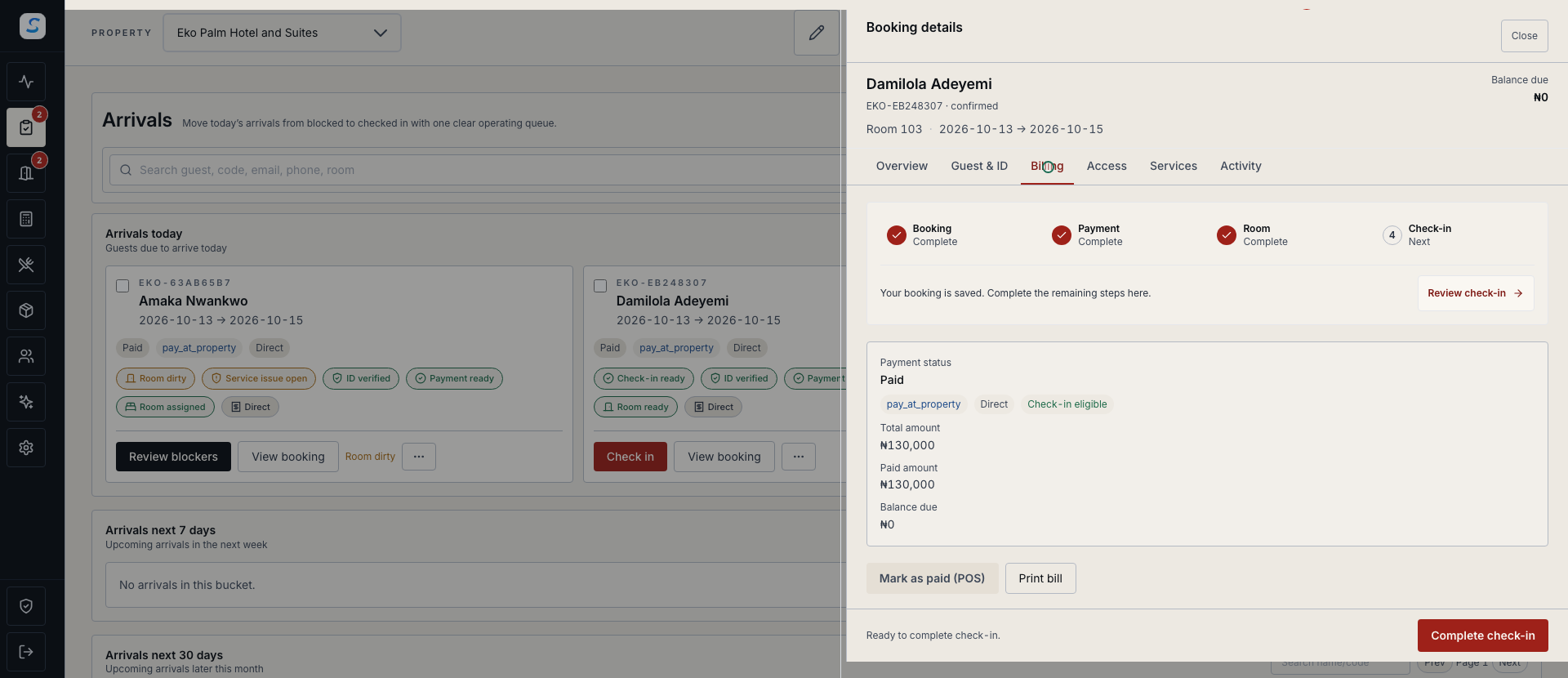
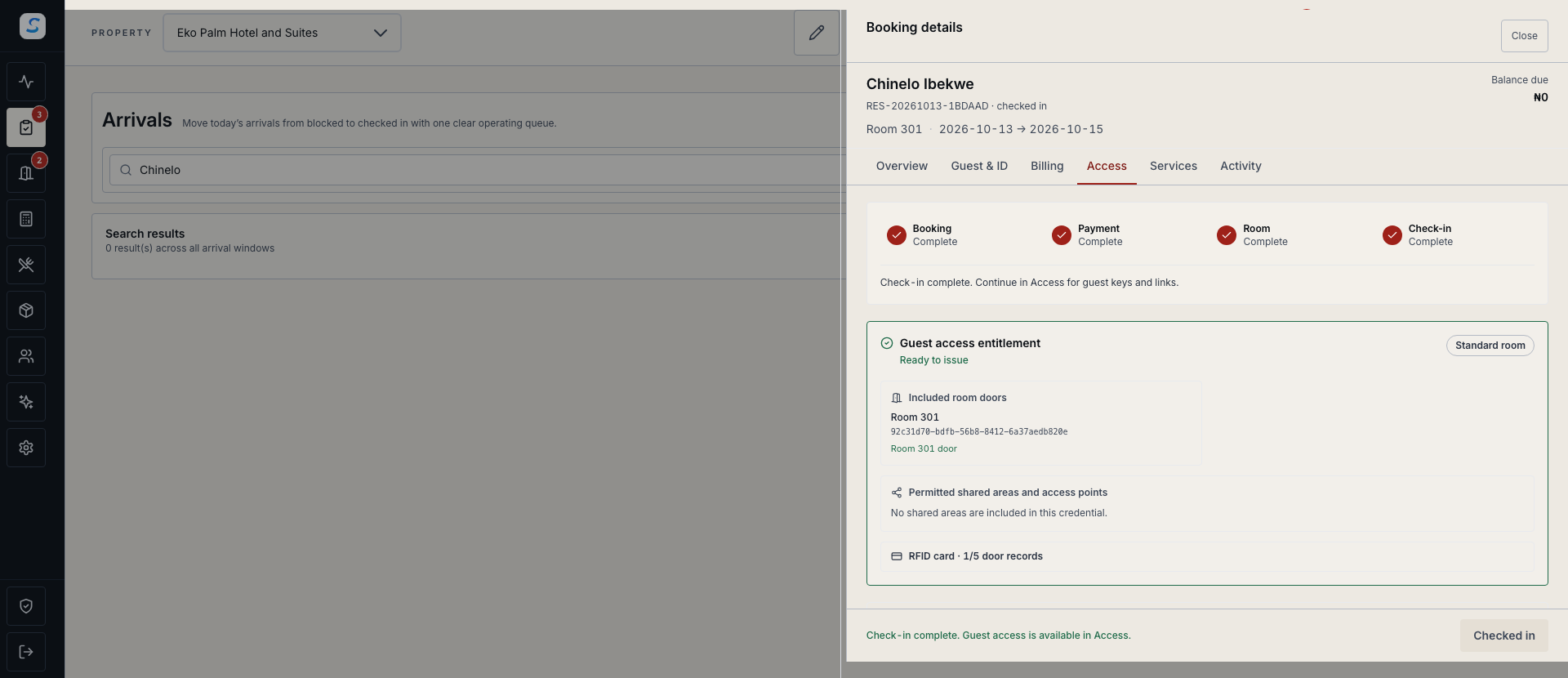
Keep booking details, payment status and access eligibility close to the decisions your team makes.
Revenue protection
Bring payment checks, room access, approvals and audit evidence into a connected operation. Give your team a clearer way to investigate discrepancies and verify the result.
Explore help and guidesBuilt around your working day
Keep booking details, payment status and access eligibility close to the decisions your team makes.
Review the relevant booking, payment and access records together when something does not agree.
Use permissions, approval stages and recorded activity to understand who requested, reviewed and completed a change.
Revenue protection / 01
Reception can review the guest, booked room, payment and check-in eligibility before preparing room access. Compatible lock and encoder setup remains part of the physical key-card workflow.
Revenue protection / 02
When the booking, payment and access history disagree, start with the underlying records. Give the authorised reviewer the property, time and reservation context needed to investigate.
Revenue protection / 03
Role permissions, approval policies and audit evidence support accountable operations. Review the intended action and its scope before it runs, then check the final record.
How it connects
A connected Staycore workflow
How it comes together
Follow the evidence through the operation before deciding what needs to change.
Select the property and find the booking, payment or access event concerned.
Compare the latest statuses, timestamps and relevant activity.
Let the authorised administrator or approver confirm the exact records and scope.
Reopen the related records and confirm that the original discrepancy is resolved.
No. A discrepancy is a reason to investigate the underlying booking, payment and access records. It does not establish theft or a confirmed financial loss.
The screen shows booking and access eligibility. Physical card encoding and door verification depend on the compatible hardware and its setup.
The existing Revenue Protection section includes the framework, certification report and guarantee terms. Its scenario-coverage figures describe tested controls, not a percentage of revenue recovered.
Learn your way around
Practical instructions for your team, from setup to the everyday details.
Your next chapter starts here
See how revenue protection fits your operation.