Prepare the stay properly
Create reservations against available room types and priced stay dates, with guest details and special requests together.
Hotel PMS & front desk
Manage reservations, room assignments and guest accounts through one connected front desk. Keep the next arrival and the final departure clear for your team.
Explore help and guidesBuilt around your working day
Create reservations against available room types and priced stay dates, with guest details and special requests together.
Work through payment readiness, room assignment and the identity details required by your property.
Review accommodation and service charges together before completing checkout and the room handover.
Hotel PMS & front desk / 01
Create a staff booking or walk-in with stay dates, room type and rate plan. Find a returning guest, record party details, and keep the reservation code available for the next step.
Hotel PMS & front desk / 02
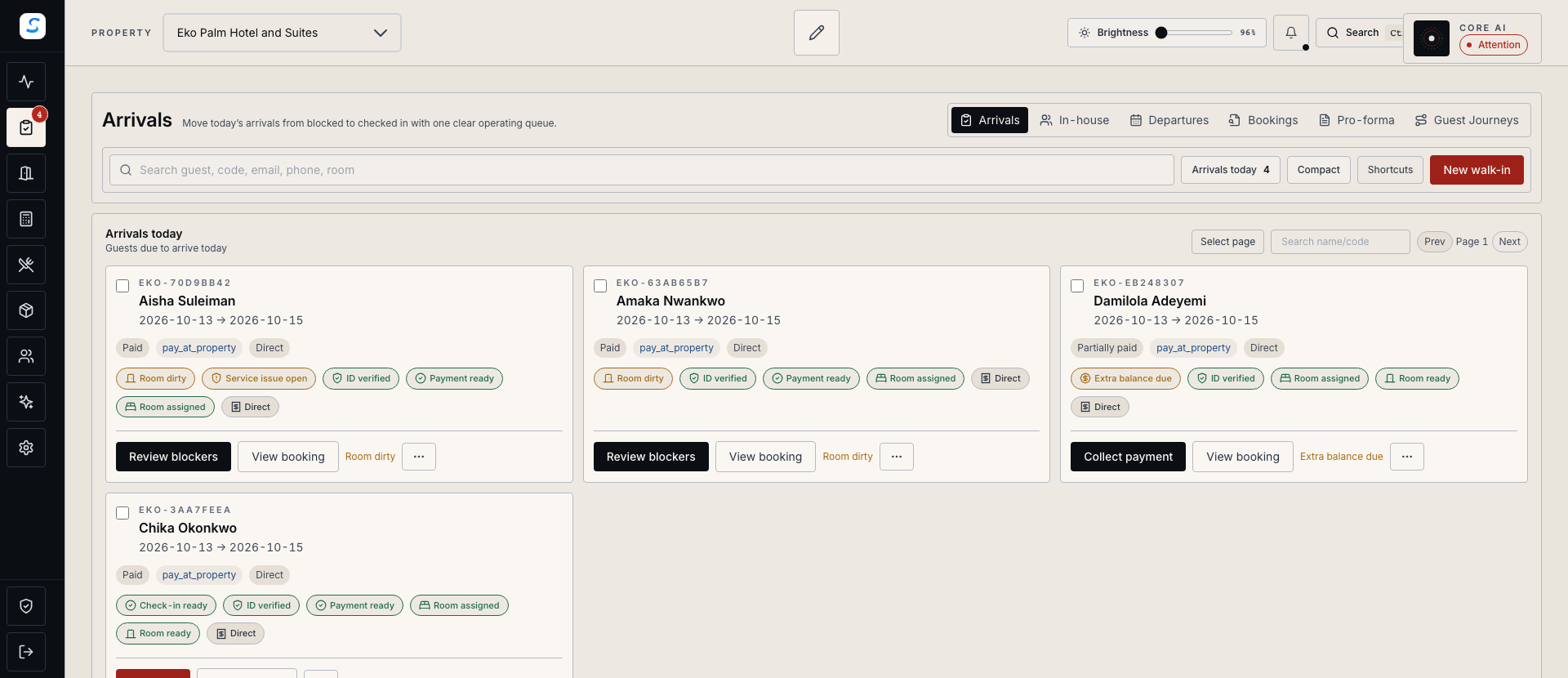
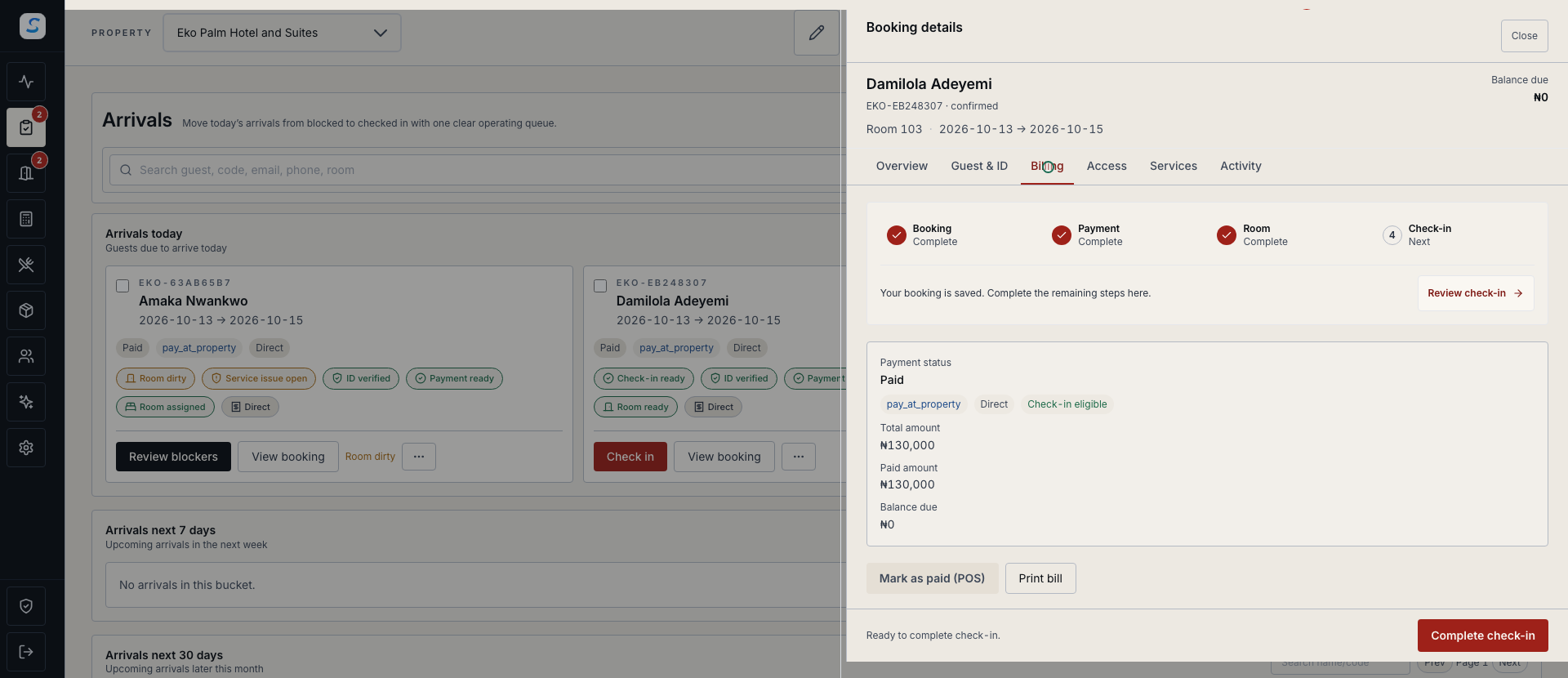
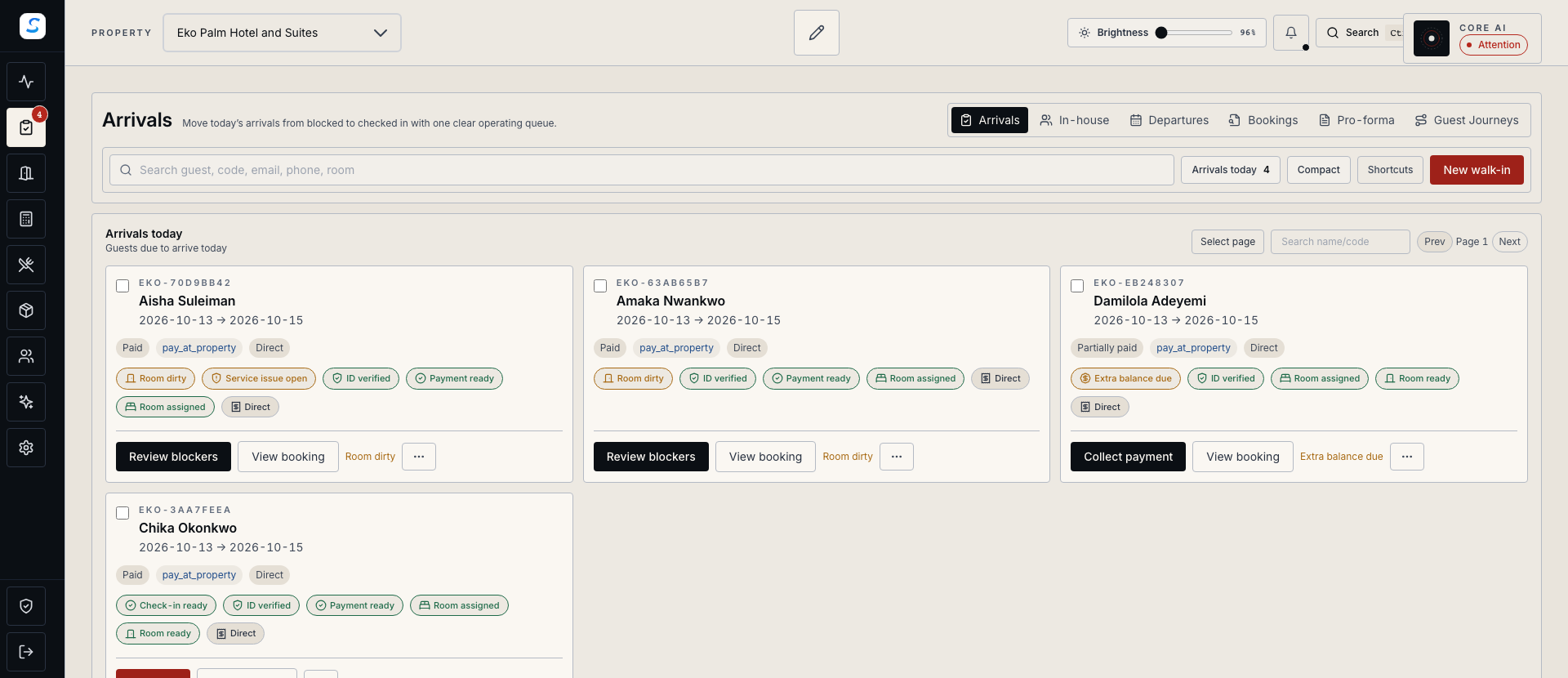
Arrival progress brings the outstanding requirements into view. Confirm the payment or approved billing arrangement, assign a suitable room, and complete the required identity checks.
Hotel PMS & front desk / 03
Review room charges, services, payments and the remaining balance before departure. Room charges from restaurant or bar service remain part of the guest folio until settled.
How it comes together
Keep reception, billing and room operations working from the same guest journey.
Choose available accommodation and a rate plan, then record the guest and stay details.
Confirm billing readiness, assign the room and complete the required check-in details.
Review the in-house record and guest folio as accommodation and service activity is recorded.
Resolve the final balance, confirm checkout and review the room for its next arrival.
Yes. Authorised staff can create walk-ins and reservations from Front Desk, subject to available inventory and pricing. The form also supports the applicable group account and group block for authorised group bookings.
Check-in requires payment readiness or the approved billing arrangement, a suitable room, and the identity details required by the property. Front Desk shows the outstanding requirements so staff can resolve them before completing the arrival.
Supported reception workflows can use saved inventory and pricing on a computer prepared in advance. Local changes need synchronization, and concurrent bookings can require review. Follow the offline reception guide for preparation, supported actions and recovery.
Learn your way around
Practical instructions for your team, from setup to the everyday details.
Your next chapter starts here
See how hotel pms & front desk fits your operation.