Set out the offer clearly
Define programme terms, participating properties, plans and benefits before accepting members.
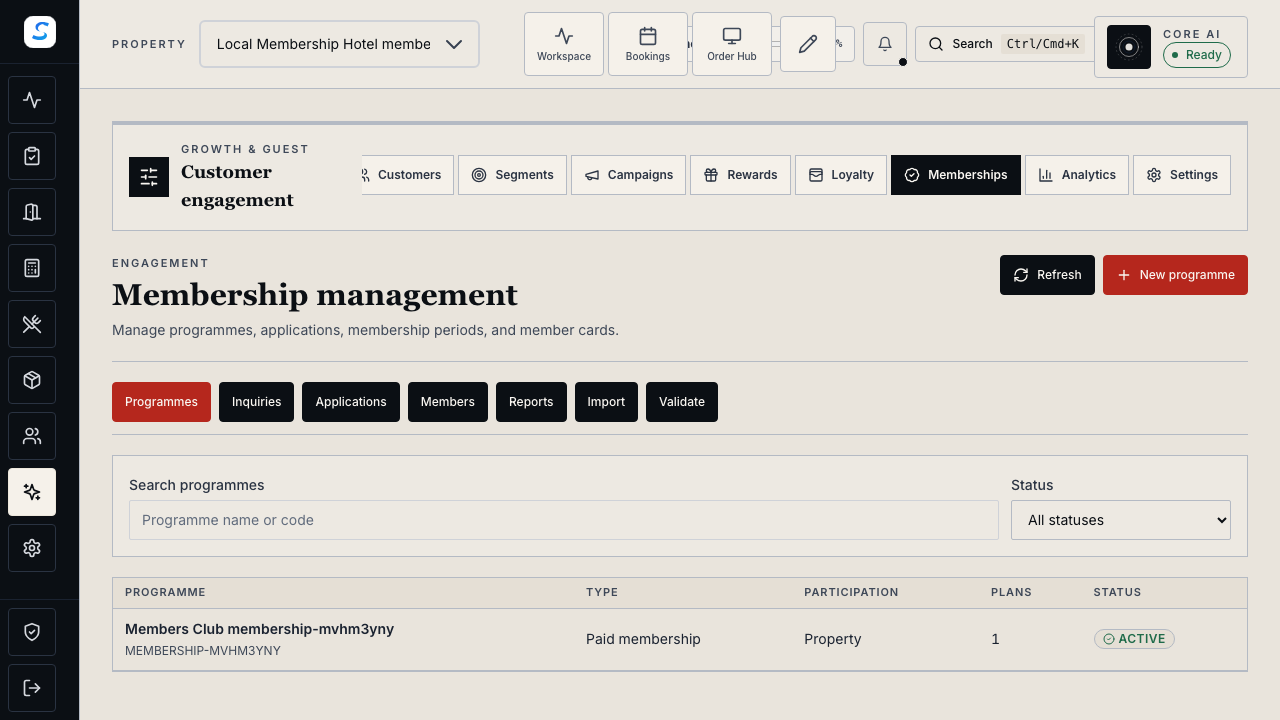
Membership management
Manage membership programmes, applications, benefits and member records together. Review paid periods, validate membership cards and record benefit use at participating properties.
Explore help and guidesBuilt around your working day
Define programme terms, participating properties, plans and benefits before accepting members.
Review entitlement, purchased periods, payments and card history from the member profile.
Validate the current membership and record staff-managed benefit use against its limits.
Membership management / 01
Create paid memberships or connect a free membership to an existing loyalty programme. Set the scope, billing property and participating properties, then define monthly or annual plans where applicable.
Membership management / 02
Choose open registration, an inquiry first or approval before payment. Configure registration questions and booking or F&B benefits, including eligible plans, usage limits and discount-combination rules.
How it connects
A connected Staycore workflow
Membership management / 03
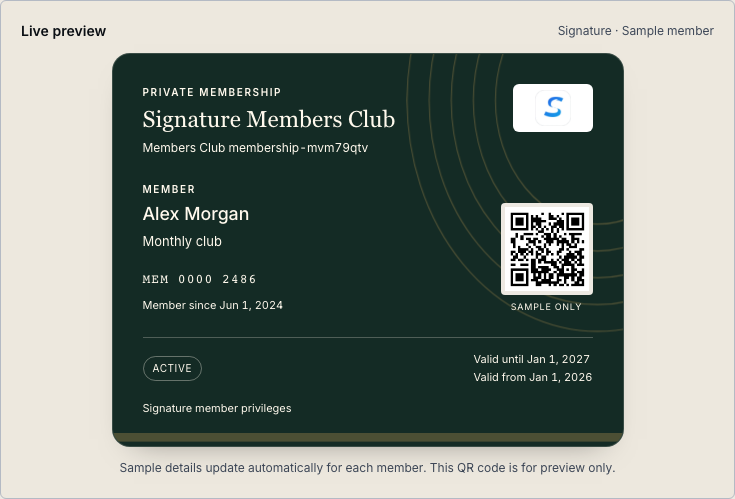
Review validity and payment history, manage permitted membership actions and reissue cards when needed. Validate the QR credential at service and record or reverse authorised benefit use.
How it comes together
Keep registration, payment and service eligibility in view.
Set its scope, plans, terms, participating properties and benefits.
Review the application and follow the programme’s approval and payment requirements.
Inspect the member’s purchased period, validity and current membership status.
Validate the card at the participating property and record the applicable benefit use.
Each paid membership period is paid separately. You can offer monthly or annual plans, configure renewal reminders and review the purchased period and payment history. Do not treat a reminder as a successful renewal payment.
A programme has a defined scope, billing property and participating properties. Configure those deliberately; card validation checks the current membership and whether the service property participates.
Staff scan or paste its QR credential in Validate, check the returned membership status and review the available benefits. A saved picture of the card does not replace current validation. Reissuing a card stops the previous QR credential from validating.
Learn your way around
Practical instructions for your team, from setup to the everyday details.
Your next chapter starts here
See how membership management fits your operation.