Give guests a useful starting point
Let guests open their verified stay to find configured services and request help from the property.
Guest experience
Connect guest communication, service requests and the next action for each stay. Give guests useful ways to engage with the property while teams follow the work through to completion.
Explore help and guidesBuilt around your working day
Let guests open their verified stay to find configured services and request help from the property.
Review service details, assign the next owner and follow the request’s payment and fulfilment status.
Configure property messaging policies and review proposals that require approval before they are sent.
Guest experience / 01
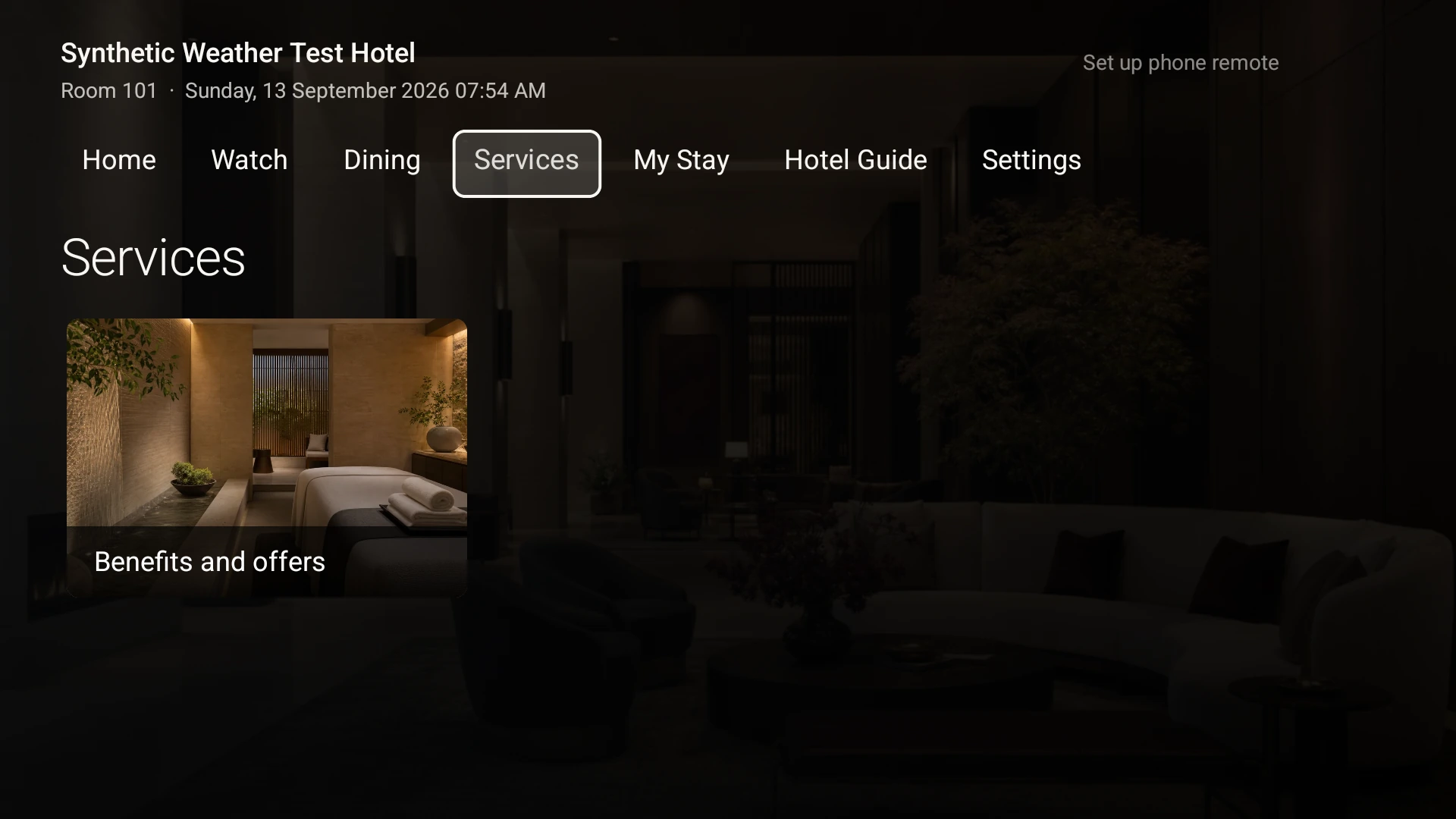
Guests can request configured hotel services, check scheduling windows and send concierge requests from a verified stay. Room TV content can also present the property’s services, benefits and offers.
Guest experience / 02
Service teams review the guest, request, payment status and linked task before acting. Assign the next owner, progress the work and check eligible room charges through the connected financial record.
How it connects
A connected Staycore workflow
Guest experience / 03
Set property communication policies and sender identities, then review proposals in the approval queue where required. Guest Journeys brings the stay’s timeline, blockers and permitted next actions into one view.
How it connects
A connected Staycore workflow
How it comes together
Keep the guest’s request and the team’s next step connected.
Start with the verified guest stay or the matching journey in Front Desk.
Check the service, requested time, price and any payment or approval requirement.
Send work to the responsible team and follow the available service actions.
Inspect the refreshed request, message delivery or linked operational record.
After opening a verified stay, guests can use the property’s configured services, send concierge requests and review request progress. Scheduled services require an available window, and a request may still need payment or property confirmation.
Yes. Property policies and autonomy settings determine which proposals require approval. The approval queue shows the recipient, channel, message and offer details where applicable. Review the delivery result after approval; approval itself does not confirm delivery.
No. Guests should review the offer and wait for the property’s confirmation or complete the booking flow presented. Suggested day plans are recommendations; service requests, payments and completed bookings each have their own recorded status.
Learn your way around
Practical instructions for your team, from setup to the everyday details.
Your next chapter starts here
See how guest experience fits your operation.